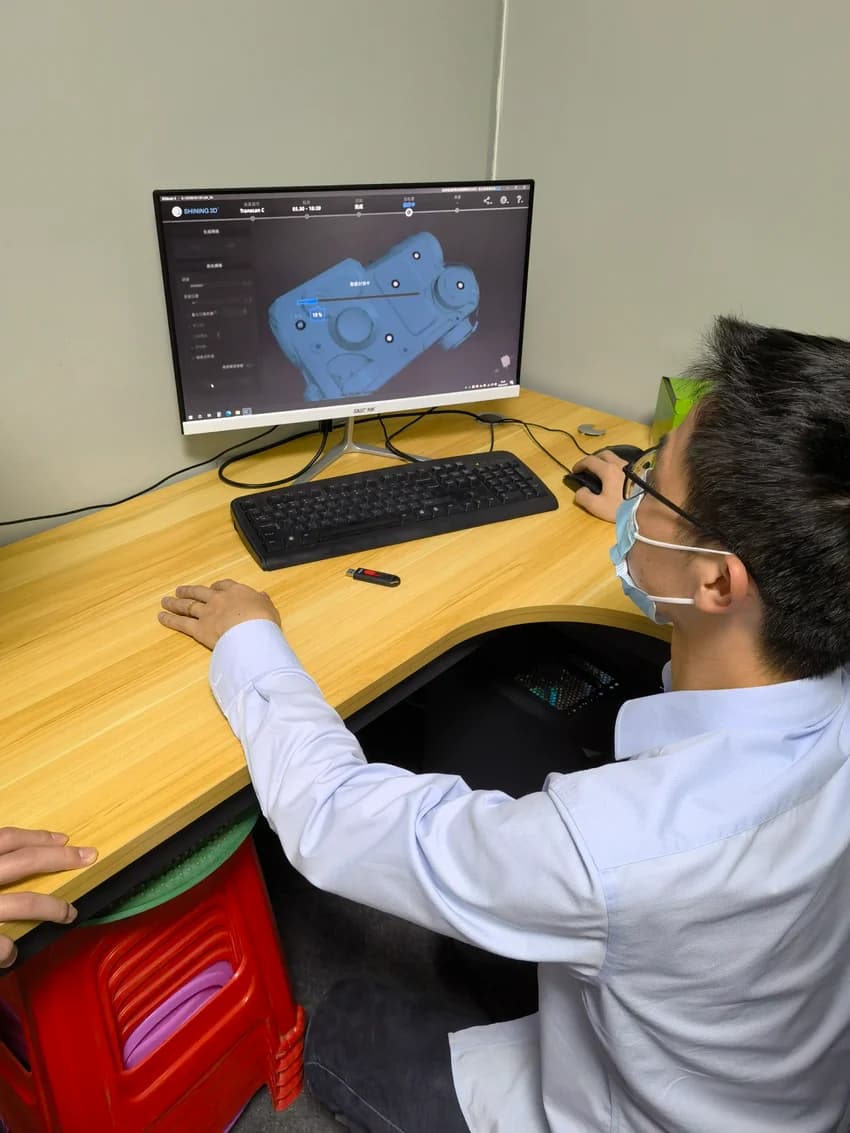
YOUR NEEDS
Suitable for these needs
- 01Design review requires accurate appearance expression
- 02The product has not been produced yet and needs to be displayed in advance.
- 03Existing model, need materials and scene renderings
08 / SUPPORTING SERVICE
Turn three-dimensional models into clear renderings for program confirmation, review, and product display.
Single entrustment is possible · Can be connected to subsequent R&D and processing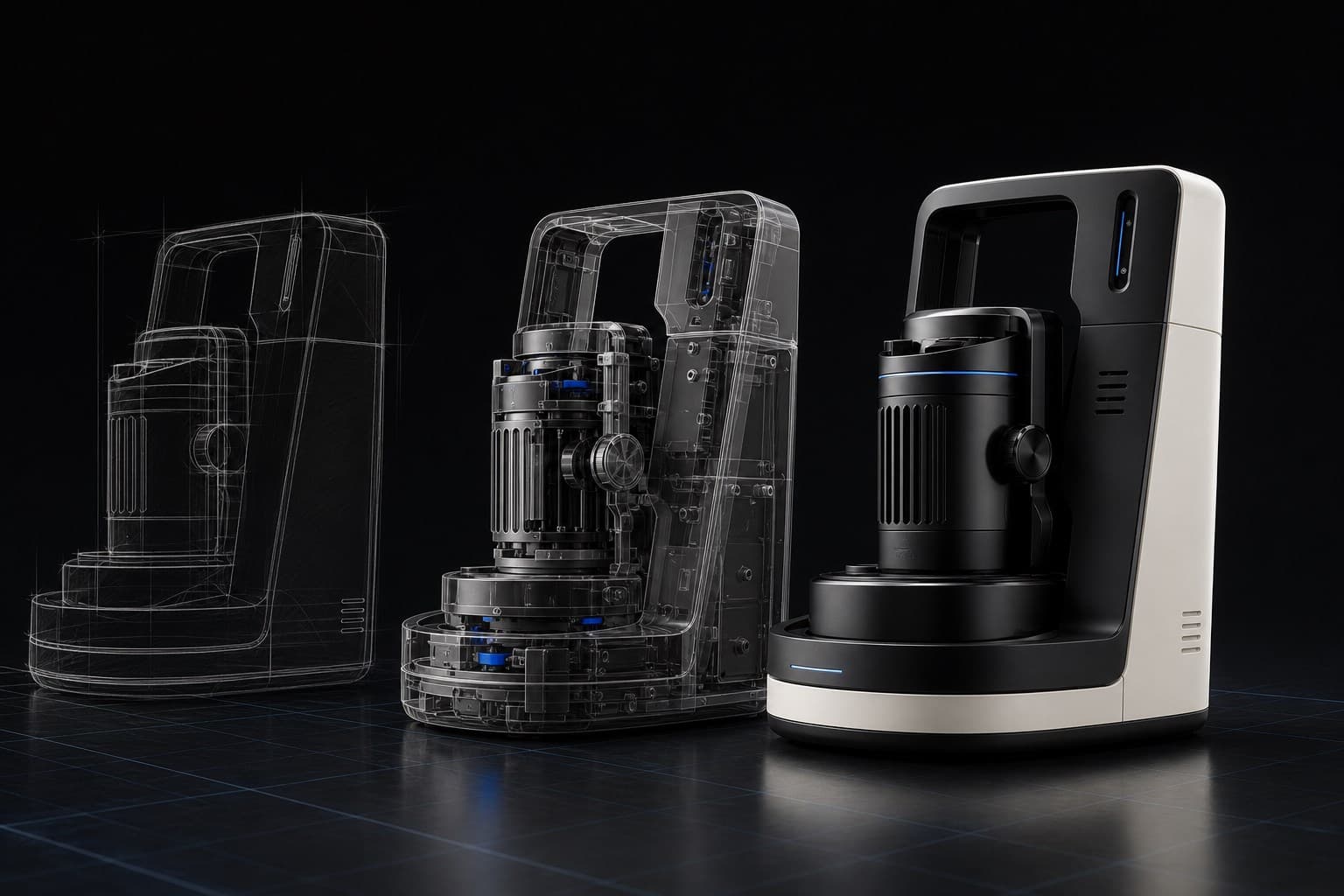
Service content
According to the existing model, dimensional drawing or design direction, organize the shape, material and display angle to produce product renderings. It can be used as a matching set for the appearance design, or it can be commissioned separately for existing products.
YOUR NEEDS
YOUR DELIVERABLES
Three-dimensional models, dimensional drawings or reference materials are available
Color, material, display focus and usage scenarios
Image quantity, angle and output size
Look at pictures and actual work
Advancing around specific products and uses, each stage has results that need to be confirmed.

Display the main perspectives and operating areas so that communication does not rely solely on text descriptions.
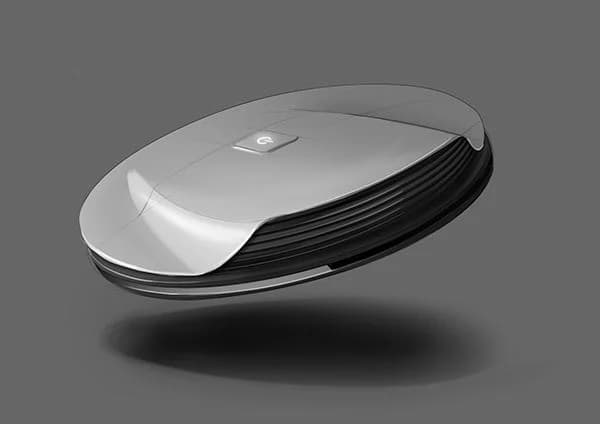
Express the status of products in daily environments through proportions, materials and light.

used close-ups and different viewing angles to examine keys, surfaces, and appearance details.
Confirm data and screen usage
Check the model, set the material and perspective
Confirm preview and adjust
Output agreed size and format
Confirm first before starting work
Model completeness, scene complexity, number of pictures and revision rounds affect the construction period. First confirm the display list, and then arrange preview and output.
Send information and evaluate the project ↗Renderings are used to show the appearance. Production also requires correct structural, dimensional, material and process data; if the model will continue to be used for processing, the purpose should be stated before modeling.
Communicate directly with your product owner
Send photos, drawings or requirements descriptions, and confirm together how to do it, what to deliver, and how long it will take.